PastPaths
Bring family history together. Discover the connections.
PastPaths is a free genealogy program for Windows that lets you bring together people, places, events, sources, photos and stories – and see more easily how they are connected. Everything is stored locally on your own computer. No account or subscription is required.
Get started
-
Download PastPaths
Free for Windows. No registration required.
Latest version: 1.10.1 (October 19, 2026).
-
New here?
Create a family tree or bring in your research from another program.
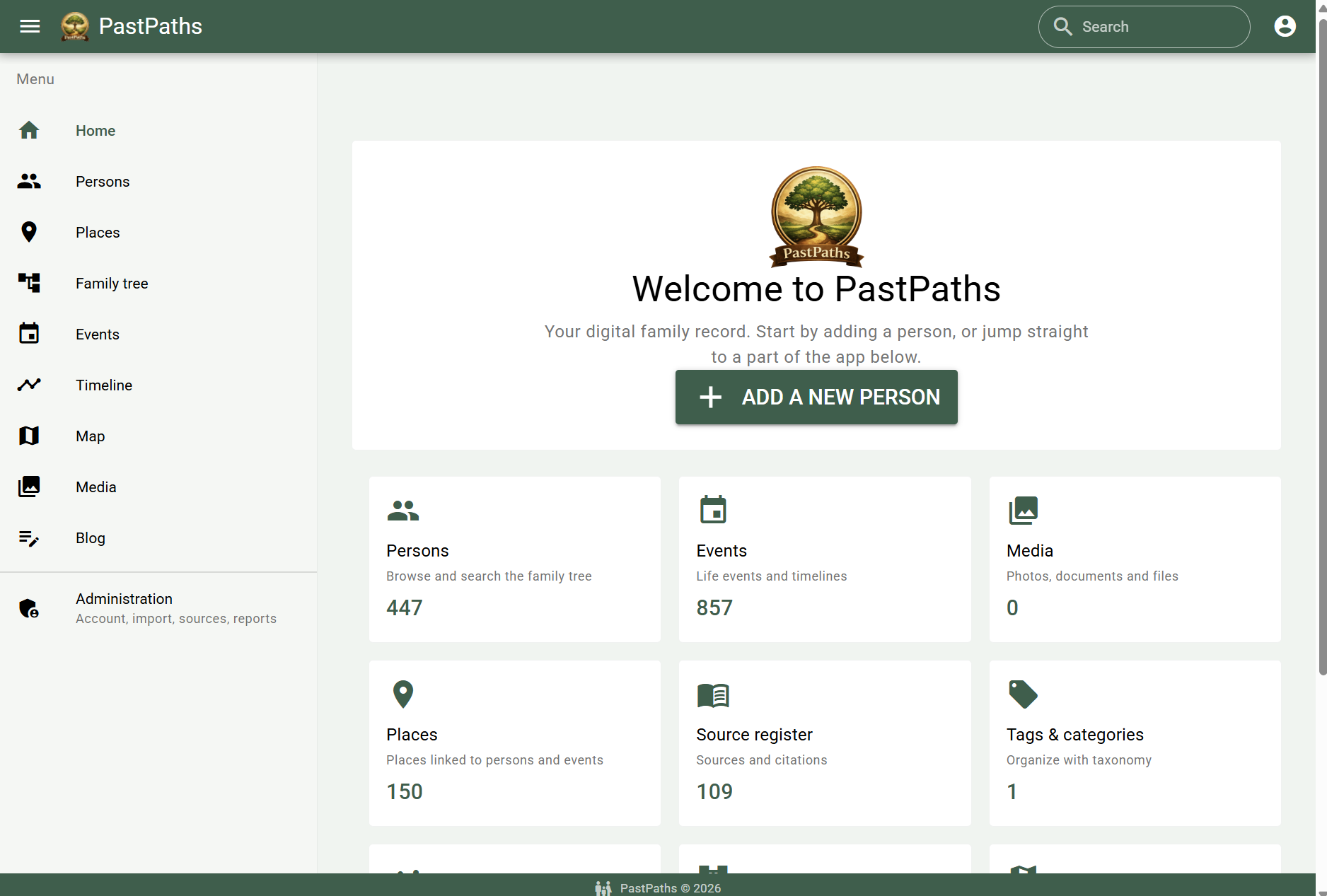
Family history is more than names and dates
I created PastPaths after trying many different genealogy programs. I wanted a workflow that made it easy to add information while also giving me an overview of the connections between people, places and events.
I wanted to collect more than the basic facts in a family tree: photographs, documents, sources, notes and stories – and connect them so they are easier to find and understand in context.
That idea is what drives the development of PastPaths.
What can you do with PastPaths?
-
Bring people together
Record people and family relationships, and build your family tree. Import an existing tree using GEDCOM.
-
Explore places
Connect people and events to places. The Place Library offers ready-made place packages that you can import and update.
-
Put events in context
Record life events and explore how people and places are connected over time.
-
Preserve photos and stories
Link photos, documents and other media to people, places and events. Write notes and longer stories that belong with your research.
-
Keep track of sources
Document where information comes from and link sources to people, events, places and blog posts.
-
Stay in control
Your database is stored locally on your computer. PastPaths is free to use and requires no account or subscription.
What's new in PastPaths 1.10.1
Latest update – October 19, 2026
Blog posts where they belong
People, places and events have a new Blog tab with every post linked to them. The family story about Anna is now one click away from Anna's own page.
Reports under Research
Ancestor charts, descendant charts, person profiles and the source list are now under Research, together with the statistics and the calendar. The source list can be created without choosing a person.
Abbreviations for sources
Give a source an abbreviation, for example a reference code for a household examination roll. You can search for it in the source list and in the regular search.
Help shape PastPaths
PastPaths is actively developed, and I would love to hear from more family historians. You do not need to be technically minded – the important thing is that you use the program and share what works well or what you would like to see improved.
-
Try PastPaths
Would you like to try the program and share feedback? Send me an email and I will explain how to get started.
-
Report an idea or a bug
Found something that is not working, or have a suggestion for an improvement?
Guides and help
-
Manual and guides
Learn about people, places, family trees, timelines and the Place Library – or browse guides and tips on ways of working in the program.
-
FAQs and troubleshooting
About the project
PastPaths is created and developed by Maria Tingvall, drawing on a long-standing interest in family history and a desire to make research easier to organise and explore.