The First Time You Start PastPaths
Congratulations on the installation! This page walks through what happens the first time you open PastPaths, and how to get started with your first family history.
What happens when you start it?
When you double-click the PastPaths icon, two things happen:
-
The program starts. A window opens — that's PastPaths.
-
The database is created. PastPaths creates a place on your computer where your genealogical data will be saved.
Start building your family tree
The first time you start PastPaths, the database is empty and you can simply start adding people to your family tree.
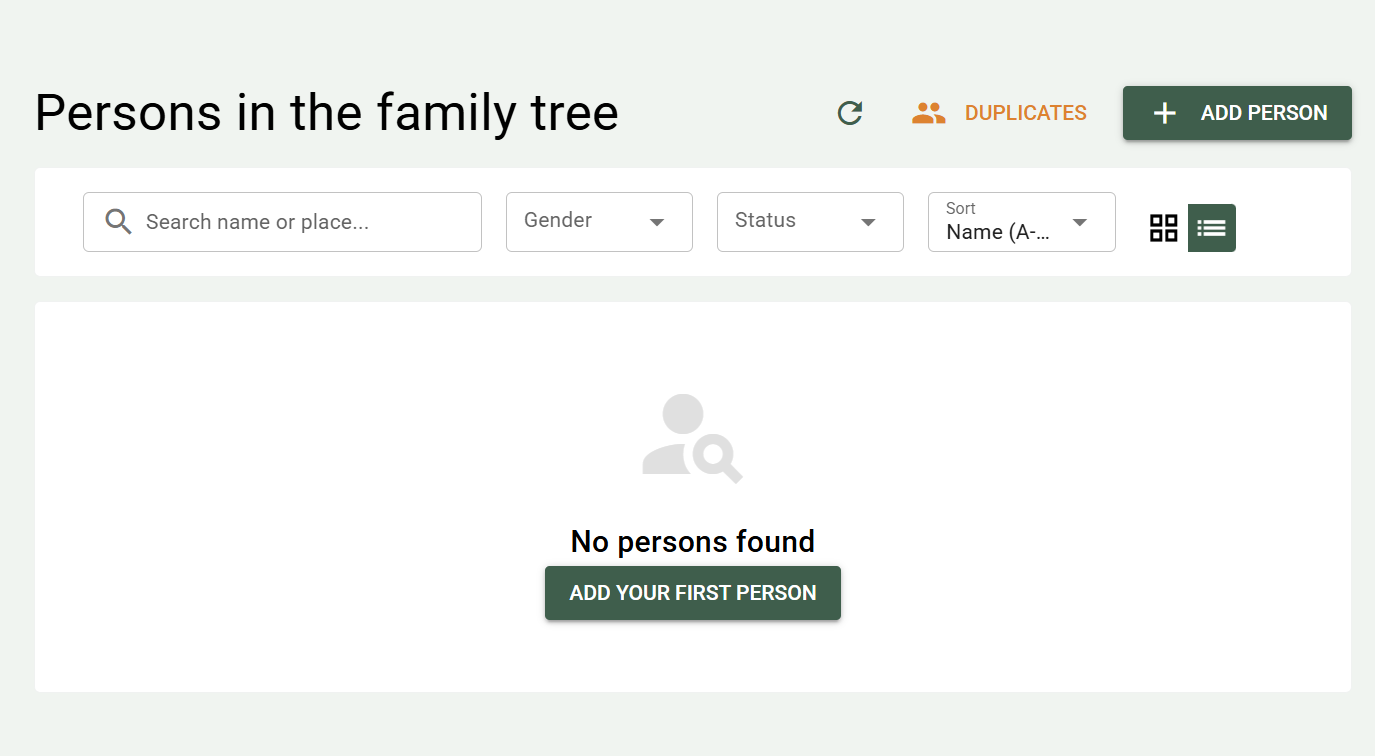
Three common ways to get started:
Do you already have genealogical data in another program — Min Släkt, Disgen, Ancestry, MyHeritage, or similar? You can usually export to GEDCOM format and import it into PastPaths.
Want to build your family history from the ground up? Start with yourself or a known relative and build outward.
Do you have a stack of old photos that need organizing? You can start with media and link people to the images as you go.
A quick tour
Before you get started — here are the most important areas of the program:
- Persons — the list of everyone in your family history
- Places — towns, farms, houses where people lived
- Family tree — a graphical view of family relationships
- Events — births, baptisms, marriages, deaths, emigrations
- Timeline — statistics showing events in chronological order
- Map — places with coordinates are shown on the map
- Media — photos, documents, audio recordings
- Blog — family stories and research logs you want to save
- Research — notes, bookmarks, calendar, statistics, and reports
- Administration — manage settings, imports, sources, maintenance, and more